What Is a Good Typing Speed (WPM)?
A good typing speed is generally around 40 WPM for everyday typing, 60-70 WPM for fast typists, and 80+ WPM at professional level. Here is the full scale and how WPM is actually measured.
UniSoftware 4 min read
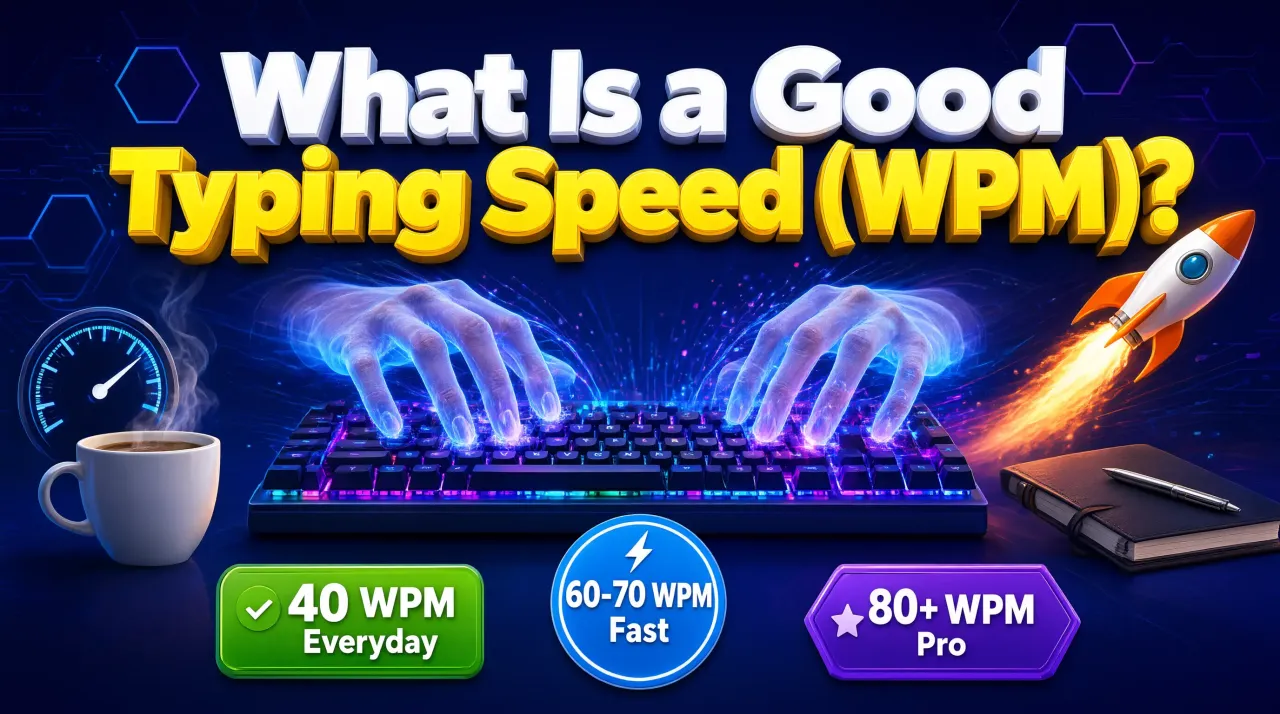
A good typing speed is generally considered to be around 40 words per minute (WPM) for everyday typing, with 60-70 WPM counted as fast, 80-100+ WPM as professional level, and 120+ WPM as competitive. These figures come from a timed test, where every five characters typed, including spaces, count as one standard word.
Key takeaways
- Around 40 WPM is a typical everyday typing speed; 60-70 WPM is considered fast.
- 80-100+ WPM is professional or typist-job level; 120+ WPM is competitive territory.
- WPM is calculated from characters typed, not literal words - every 5 characters, including spaces, count as one standard word.
- Accuracy matters as much as raw speed: most tests account for errors, so a high raw speed with many mistakes is not the full picture.
Takes under a minute, no signup needed - try the free Typing Master typing speed test and see exactly where your own WPM lands on the scale below.
What counts as a good typing speed?
"Good" depends on context. For casual computer use - emails, chat, browsing - anything from 35-45 WPM is comfortable and will not slow you down. For office or administrative roles, 50-65 WPM is a common expectation. Data entry, transcription, and other typing-heavy jobs often look for 70-90+ WPM with high accuracy. Competitive typists and some stenography-adjacent roles push past 120 WPM, which is a small minority of typists.
None of these numbers are a hard pass/fail line. A 35 WPM typist with 99% accuracy can often finish a task faster and with less rework than a 55 WPM typist who has to stop and fix errors constantly. If you want to see exactly how accuracy and speed trade off against each other, how WPM and accuracy are actually calculated breaks down the formulas with a worked example.
How is WPM actually calculated?
The standard formula is: WPM = (total characters typed ÷ 5) ÷ minutes typed. The "divide by 5" step exists because average English words are about 5 characters long, so character count is used as a consistent stand-in for word count rather than counting actual space-separated words (which would unfairly reward typing short words).
Worked example: if you type 250 characters correctly in 60 seconds, that is 250 ÷ 5 = 50 "words", over 1 minute, giving a gross WPM of 50. If you made 2 errors during that minute, most tests subtract those from the word count for a net WPM of 48 - this is the number most typing tests actually display, since it reflects usable, correct output rather than raw keystrokes. Test length and format also affect your result, so it helps to understand the different test modes and durations before comparing scores between sessions.
Average vs professional typing speed
Most adults who type regularly on a keyboard land somewhere between 30 and 45 WPM without ever having trained specifically for speed - this is simply what comes from years of everyday typing. Professional-level speed (80-100+ WPM) is different: it is almost always the result of deliberate practice, usually starting with proper finger placement on the home row and building up through repetition, rather than something that happens by accident.
How to check your own WPM
The only reliable way to know your real WPM is a timed typing test - estimating from how fast typing "feels" is usually inaccurate in both directions. Run a short test, note your net WPM and accuracy, and repeat it over a few days to see a real trend rather than a single snapshot. If your number is lower than you would like, a structured weekly practice plan is a more reliable path to improvement than just typing more of the same way.
| Level | Typical WPM | What it looks like in practice |
|---|---|---|
| Beginner | 10-20 WPM | Hunting for keys, frequently looking down at the keyboard |
| Average / everyday typist | 30-45 WPM | Comfortable touch typing for messages, email and browsing |
| Fast / above average | 55-70 WPM | Confident touch typing with few look-downs; common in office roles |
| Professional / typist-level | 80-100 WPM | Data entry, transcription and other typing-heavy job roles |
| Competitive | 120+ WPM | Elite typists and competitive typing events |
These bands are general guidance, not a pass/fail score
WPM naturally varies by test length, text difficulty, and keyboard language, so do not read these bands as a strict grading scale. A single short test can swing several WPM either way - looking at your average over a few sessions gives a far more honest picture than one result.
Ready to see your number? Run a free test, or read more about the tool on the Typing Master software page.