How to Preview React (JSX/TSX) Code Online Without Setting Up a Project
You have a React component and just want to see what it looks like, without the overhead of a full project setup. Here are three ways to do it, including the fastest one.
UniSoftware 1 min read
Introduction
You have a React component - JSX or TSX - and just want to see what it looks like. Setting up a React project for a 10-line component test means npm install, a bundler config and a package.json you do not really need yet.
Option 1: CodeSandbox
Works, but spins up a full cloud VM - heavier than a quick component check.
Option 2: StackBlitz
Good for React plus Node, fast with WebContainers, but still initializes a full project template for what is meant to be a paste-and-preview check.
Option 3: CodePen (with Babel)
Can preview JSX via a Babel configuration, with several settings to enable first; not TSX-native.
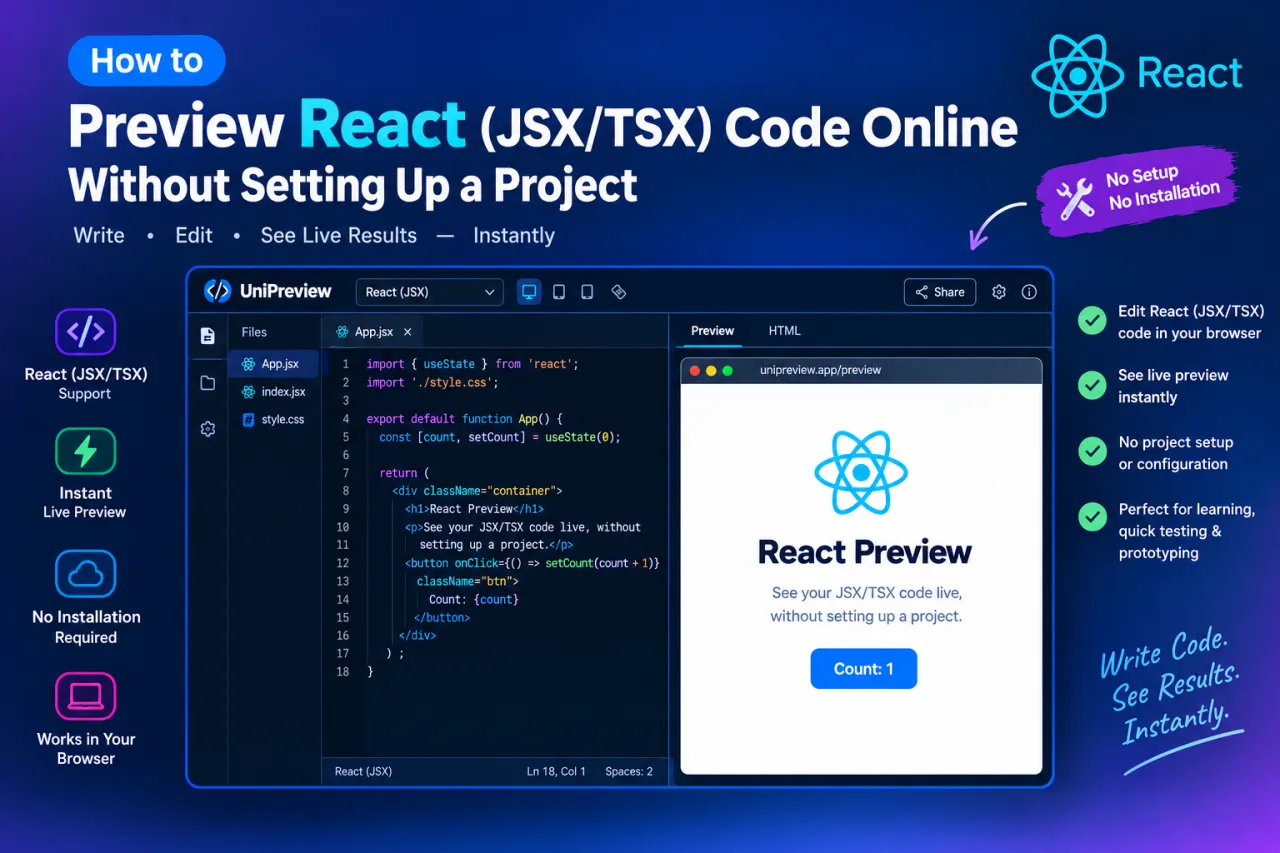
The fastest option: UniPreview
- Go to https://codepreview.unisoftware.app
- Paste your JSX or TSX code
- Select "React JSX" or "React TSX" from the language selector
- The preview renders immediately in the split view
No install, no account, no project setup - works for both JSX and TSX.
Limitations to know
UniPreview is for preview and visual testing, not for running full React apps with routing, APIs or build tooling. For that, use StackBlitz or CodeSandbox.
- No setup
- Paste and see it instantly
- Best for a quick look
- Full project template
- Node.js and npm
- Best for a real app
Conclusion
If you need to check what a React component looks like in a few seconds, UniPreview is the fastest path: codepreview.unisoftware.app.